









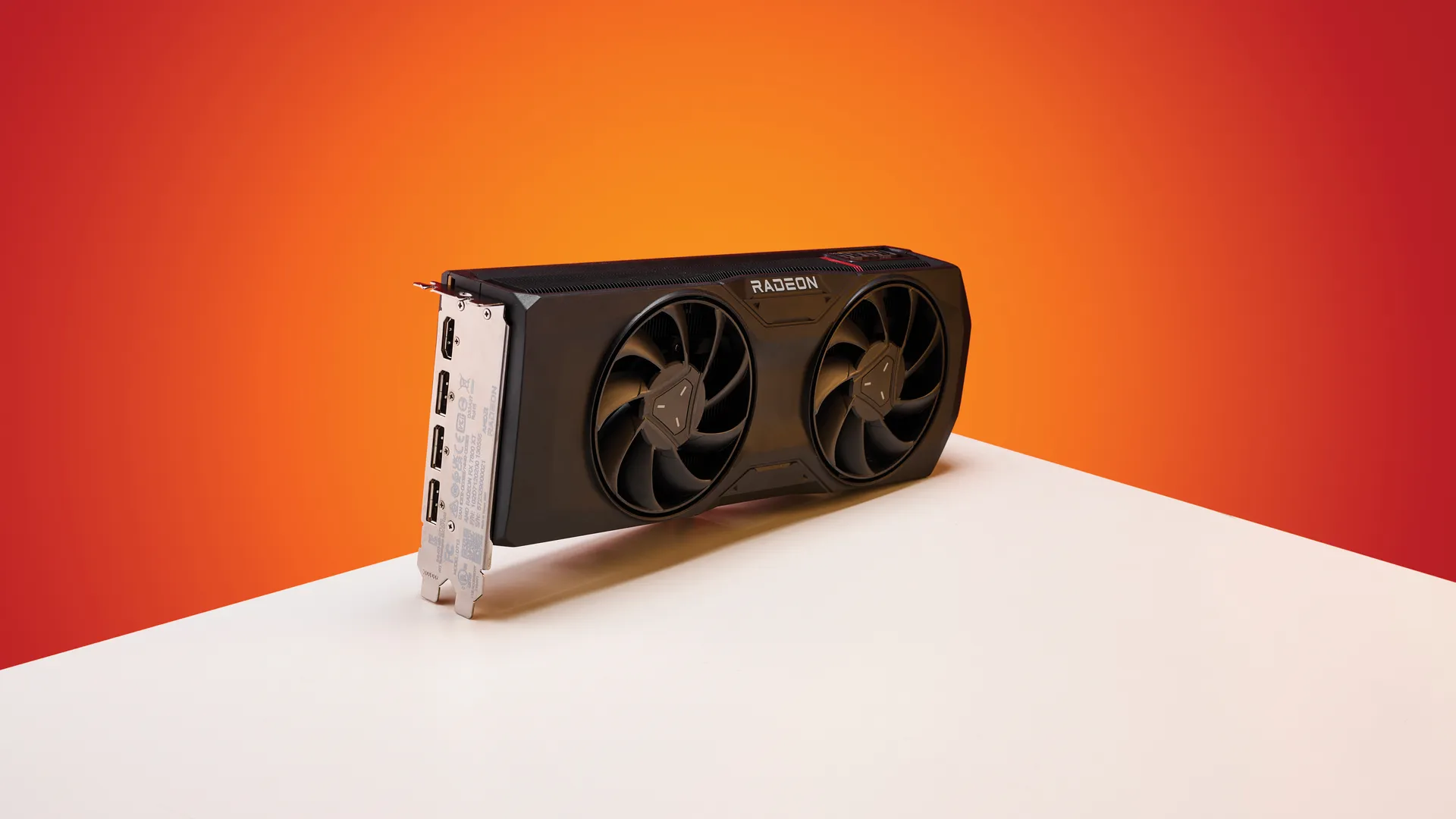
AMD’s Adrenalin 26.5.1 graphics driver, released on May 6, has raised concerns among AMD graphics card owners because it appears to break the Zero RPM function on some of its best graphics cards. The function seems to stop working after a monitor resumes from sleep or when turned on again, causing the graphics card's temperatures to rise silently.
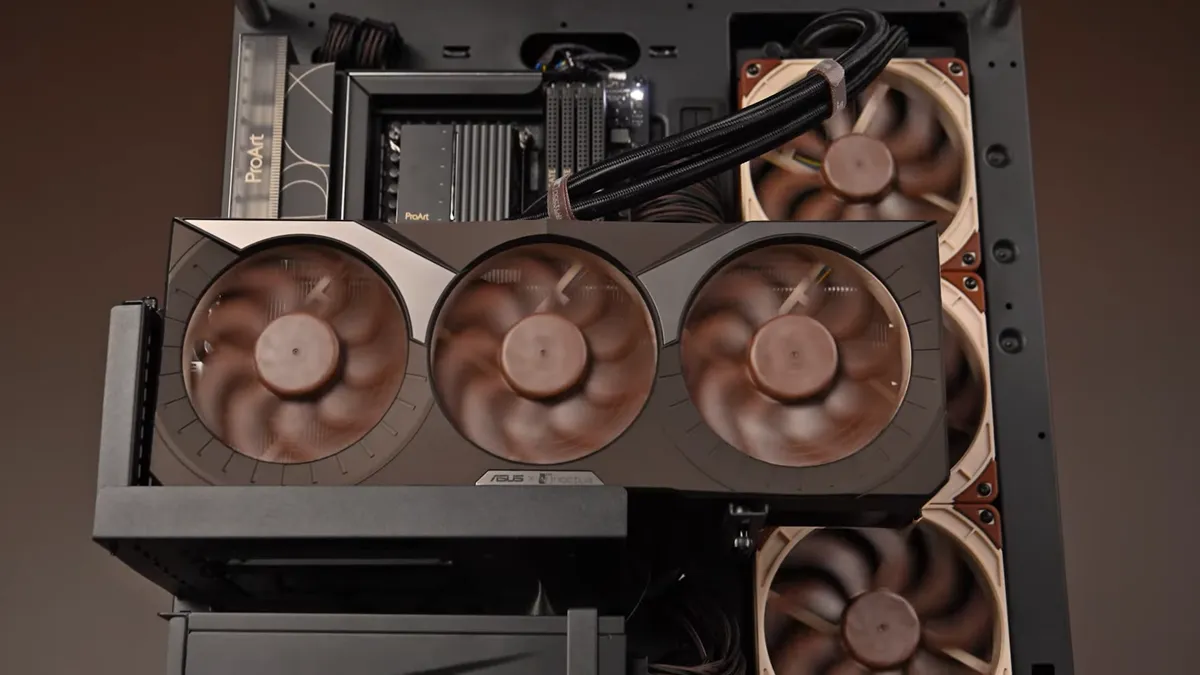
For those unfamiliar with Zero RPM, it is a function that automatically turns off the cooling fans when the graphics card is idle or under a light workload, such as tasks like web browsing or watching videos. The primary benefits of the Zero RPM feature include reducing system noise and dust accumulation inside the graphics card over time, while also prolonging the lifespan of the cooling fans by minimizing unnecessary use.
With Zero RPM enabled, the graphics card relies solely on its heatsink for passive cooling, provided temperatures remain within a safe range. Once temperatures exceed a certain threshold, for example, during gaming or intensive graphical workloads, the fans automatically ramp up to keep temperatures in check. Apparently, there's a malfunction with the Zero RPM feature in the Adrenalin 26.5.1 graphics driver in a very specific yet common scenario.
Redditor Evelyne-Tourneciel observed that Zero RPM activates as usual when the monitor goes to sleep or when is turned off. However, upon resuming from sleep or after powering the monitor back on, Zero RPM remains activated, so the graphics card's cooling fans stay off. The issue poses a significant risk, as you may unknowingly begin gaming or other demanding tasks while the cooling fans remain idle, preventing proper heat dissipation.
Since the fans fail to spin, the graphics card's temperatures will rise quickly, potentially leading to thermal throttling, reduced performance, or even hardware damage. It's especially concerning for AMD graphics card owners in regions with harsh climates, since the risk of overheating is higher.
Zero RPM Mode bug 26.5.1from r/radeon
In addition to Evelyne-Tourneciel, at least four other AMD graphics card owners have reported experiencing the same Zero RPM malfunction with the Adrenalin 26.5.1 graphics driver.
The first and most straightforward stopgap workaround is to restart your system. It is far from ideal, though, as it requires you to reboot your computer every time the monitor resumes from sleep or is powered back on. The process can quickly become tedious and annoying if you frequently step away from your computer. You could disable Zero RPM altogether, but that means missing out on its benefits.
Get Tom's Hardware's best news and in-depth reviews, straight to your inbox.
A more technical fix that has proven effective for some users is to perform a clean offline installation of the AMD graphics drivers using a third-party utility like Display Driver Uninstaller (DDU). DDU can help completely remove all traces of the current and previous Adrenaline drivers before reinstalling a fresh copy of the driver that you want.
For a more hassle-free solution, you can roll back the Adrenalin driver to an earlier version, such as Adrenalin 26.3.1, with DDU, since that version does not appear to have the Zero RPM bug. That means missing out on new features, optimizations, or security updates introduced in the latest releases, though.
Evelyne-Tourneciel has seemingly reported the issue to AMD. However, it seems that AMD hasn't acknowledged the bug or provided a solution. The latest Adrenalin 26.5.2 graphics driver, which just came out of the oven today, has no mentions of the Zero RPM bug. If you're experiencing the same issue, we recommend submitting a bug report to AMD so the chipmaker can get to the bottom of it.

Follow Tom's Hardware on Google News, or add us as a preferred source, to get our latest news, analysis, & reviews in your feeds.

Zhiye Liu is a news editor, memory reviewer, and SSD tester at Tom’s Hardware. Although he loves everything that’s hardware, he has a soft spot for CPUs, GPUs, and RAM.
-
Staying RightBehindYou I had to roll mine back because it disabled the display port after playing Battlefield 6 for 2 minutes.Reply -
-Fran- Fortunately I haven't had any issues or gremlins with mine. I have a Sapphire 9070XT Pulse, so the "basic" model and all peachy so far.Reply
I do have the TRIXXXxxXXxxxXXXXX software as well, so that could be the reason why it's fine?
Regards. -
Ogotai asus based nvidea cards have the same feature.. i usually use GPU tweak and set the fans @ 75% constant... id probably do the same if i had an amd card....Reply -
Dr3ams Reply
I have the Sapphire RX 6700 XT Pulse and haven't had any issues either.-Fran- said:Fortunately I haven't had any issues or gremlins with mine. I have a Sapphire 9070XT Pulse, so the "basic" model and all peachy so far.
I do have the TRIXXXxxXXxxxXXXXX software as well, so that could be the reason why it's fine?
Regards. -
wwenze1 Reply
My Zotac GTX 1060 stops the fan when temps are low... happy 10 year anniversary...Ogotai said:asus based nvidea cards have the same feature.. i usually use GPU tweak and set the fans @ 75% constant... id probably do the same if i had an amd card....