There have been numerous 16-pin power connector blow-ups recorded by customers over the past few years on both consumer gaming cards and prosumer cards — and now this badly-designed connector saga has also (sort of) hit datacenter GPUs. Resident repair technician northwestrepair recently published a YouTube video of themself fixing a dead $30,000 H200 Hopper datacenter GPU with a busted 12VHPWR connector.
Unlike most 16-pin disaster stories, the damage to the connector on this H200 GPU was thanks to user error, not faulty design. Northwestrepair discovered most of the pins were bent and damaged, suggesting whoever handled the GPU likely smashed the power cable into the power connector too aggressively.
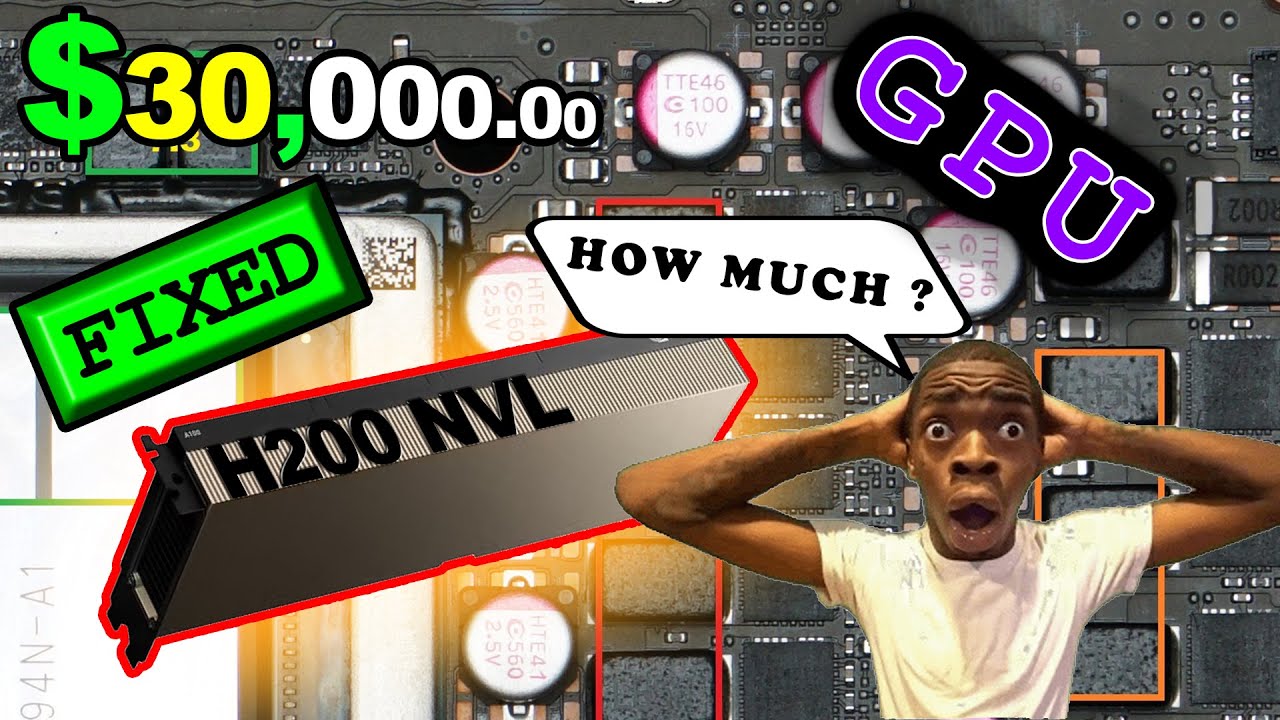
Luckily the repair technician managed to fix the problem: they took a spare 16-pin power connector and swapped the four sense pins in the spare connector with the broken pins in the H200's 16-pin connector. This took some work — northwestrepair had to cut and trim the new pins to the same shape as the old pins and then solder the pins to the H200's power connector.
The repair didn't come without some hiccups: halfway through the repair, northwestrepair accidentally soldered the sense pins in the wrong order. To fix this, they swapped the sense cables on the plug — connecting the sense pins to the PCB to match the (now) misaligned sense pins.
Despite this, the card failed to power on due to a short somewhere on the PCB itself related to the sense pins. So instead of fixing that, northwestrepair opted to bypass the pins altogether by disconnecting the resistor connecting the sense pins to the card. This restored power to the card, and the card was then returned to the customer without further testing (the H200 doesn't support consumer desktop motherboards) — though northwestrepair noted in the comments that the customer confirmed the GPU was working but did not pay them for their efforts.
The H200 is an older GPU at this point, based on Hopper architecture. NVIDIA made multiple variants, but the one fixed in this article was the PCIe version featuring 16,896 CUDA cores, 132 SMs, 50MB of L2 cache, 600W TDP, 141GB of HBM3e memory, and a PCIe 5.0 x16 interface. Regardless of its age, an Nvidia H200 GPU retails for around $30,000.

Follow Tom's Hardware on Google News, or add us as a preferred source, to get our latest news, analysis, & reviews in your feeds.