

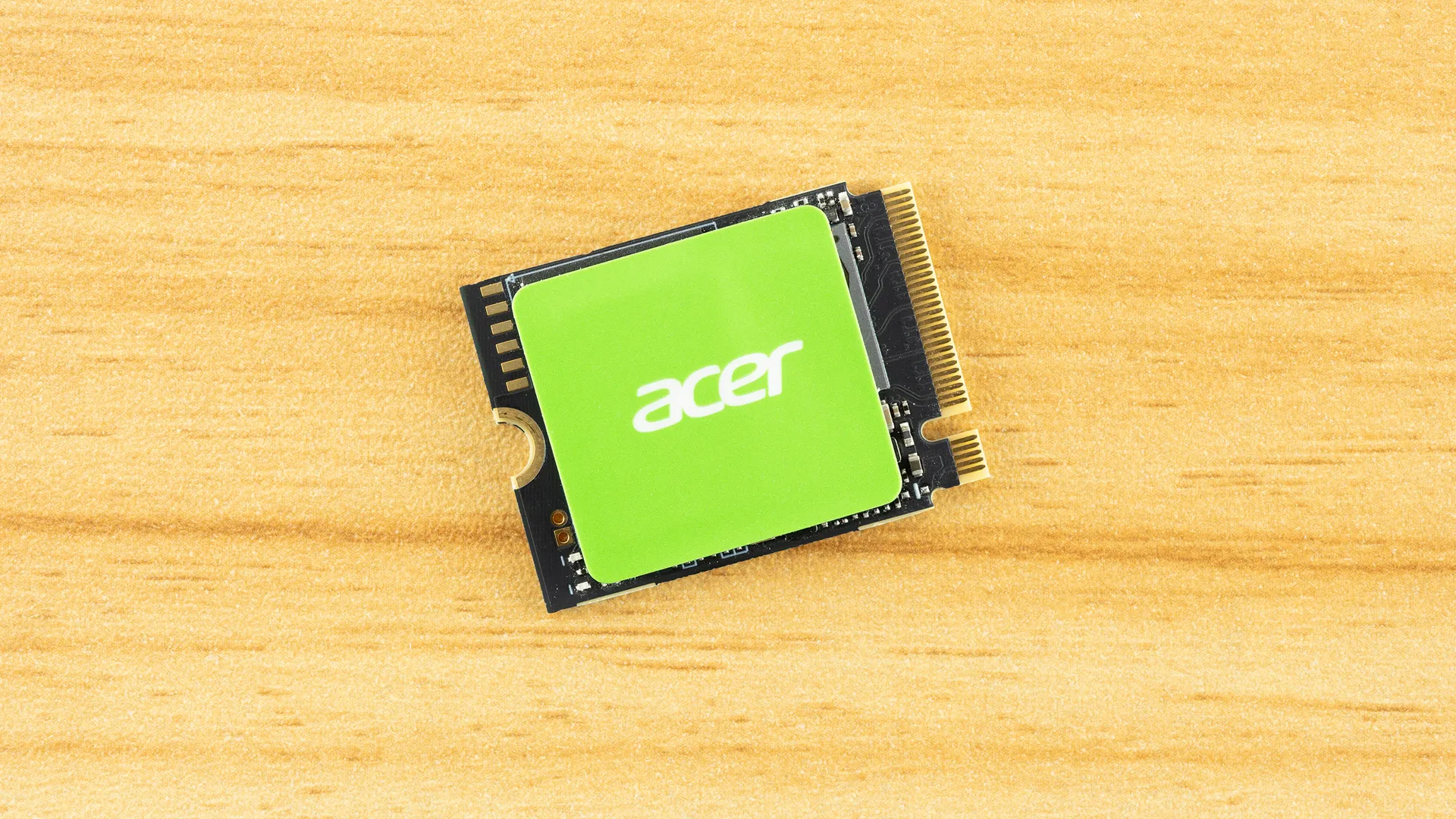
Tom's Hardware Verdict
The Acer MA200 is a competent M.2 2230 NVMe SSD with reasonably good performance and power efficiency, even if it’s not the fastest drive out there.
Pros
- +
Good performance where it matters
- +
Power-efficient
Cons
- -
Not the fastest drive available
- -
1TB max
Why you can trust Tom's Hardware Our expert reviewers spend hours testing and comparing products and services so you can choose the best for you. Find out more about how we test.
M.2 2230 NVMe SSDs continue to be in demand and, thanks to the nature of portable computing, they need to be capacious and power-efficient. Add the desire for travel reliability, and you end up wanting a more OEM-like experience, something Acer knows how to deliver well. You don’t need the fastest drive, but you need one that works and, hopefully, always will. That’s where the MA200 comes into play.
It’s not fancy. It’s not record-breaking. It just delivers good performance everywhere it matters – random read latency is quite good – with solid power consumption numbers. The biggest drawback is probably that it’s limited to just 1TB. 2TB would definitely be better, but given the price of drives today, perhaps 1TB is a more realistic target, anyway.
Acer MA200 Specifications
Product |
512GB |
1TB |
|---|---|---|
Pricing |
||
Form Factor |
M.2 2230 (Single-sided) |
M.2 2230 (Single-sided) |
Interface / Protocol |
PCIe 4.0 x4 / NVMe 1.4 |
PCIe 4.0 x4 / NVMe 1.4 |
Controller |
Silicon Motion SM2269XT |
Silicon Motion SM2269XT |
DRAM |
N/A (HMB) |
N/A (HMB) |
Flash Memory |
Micron 176-Layer TLC (B47R) |
Micron 176-Layer TLC (B47R) |
Sequential Read |
5,000 MB/s |
5,200 MB/s |
Sequential Write |
4,000 MB/s |
4,700 MB/s |
Random Read |
500K IOPS |
700K IOPS |
Random Write |
800K IOPS |
850K IOPS |
Endurance |
300TBW |
600TBW |
Part Number |
BL.9BWWA.153 |
BL.9BWWA.154 |
Warranty |
5-year |
5-year |
The Acer MA200 is only available at 512GB and 1TB, although the 1TB should be far easier to find. Neither was available at the time of review, but historical pricing indicates they are priced at $80+ and $200+, respectively. We’re seeing ~$135 for 1TB and $140+ for 1TB in the market right now for M.2 2230, while similar hardware is priced at $200+ for 1TB. The drive’s last available price of $201.09 is about right. Technically, you could find four in stock on Amazon at the time of review for $190.76, but we cannot guarantee that. However, that would be competitive with TLC-based drives in this range.
The drive is rated for up to 5,200/4,700 MB/s for sequential reads and writes, and up to 700K/850K random read and write IOPS. The 1TB variant has significantly better performance because it has more flash dies, and that is what we would recommend. It also makes sense for an M.2 2230 upgrade, and it’s really the only SKU we’ve seen available, anyway. Acer backs it with a five-year warranty and the standard 600TB of writes at 1TB.
Acer MA200 Software and Accessories
The Acer MA200 is covered by Biwin Intelligence, “multifunctional management software for SSDs…designed to support Biwin consumer-brand storage products.” Biwin works with Acer, HP, and others on drive development, including software support. Biwin Intelligence is an SSD toolbox with an array of features: S.M.A.R.T. and drive health monitoring, drive erase, data backup/cloning/migration, firmware updates, error testing, and performance testing. This should cover most, if not all, of your needs.
Acer MA200: A Closer Look
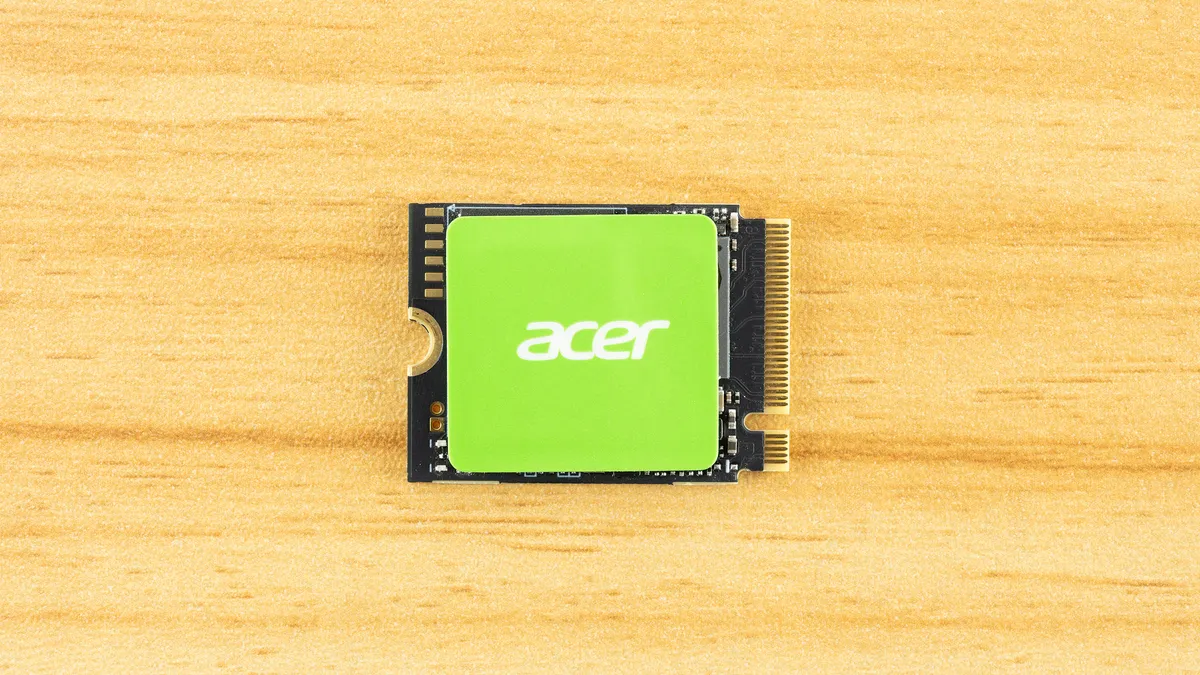
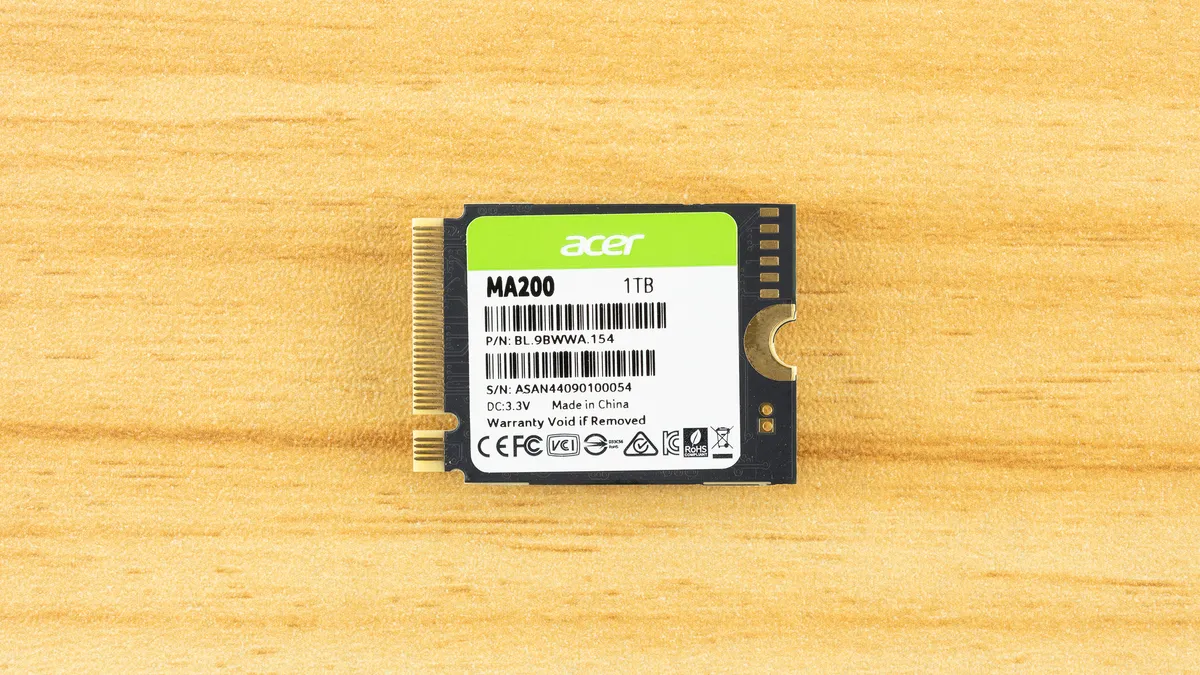


Single-sided, M.2 2230 SSD. There’s nothing special going on here. If you haven’t worked with an M.2 2230 SSD before, then the small size of this thing will surprise you. It was unthinkable to find 1TB at this performance level in a package so small not that long ago. Now, you can have the perfect drive for your Steam Deck. No frills, but it doesn’t need them.
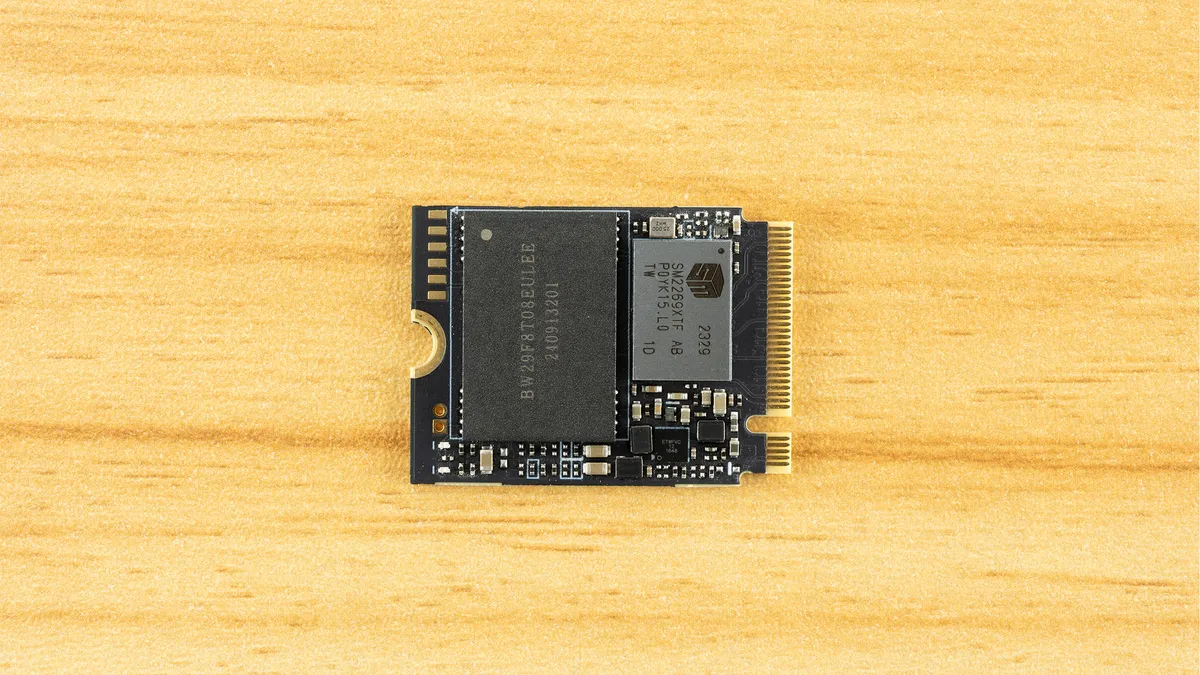
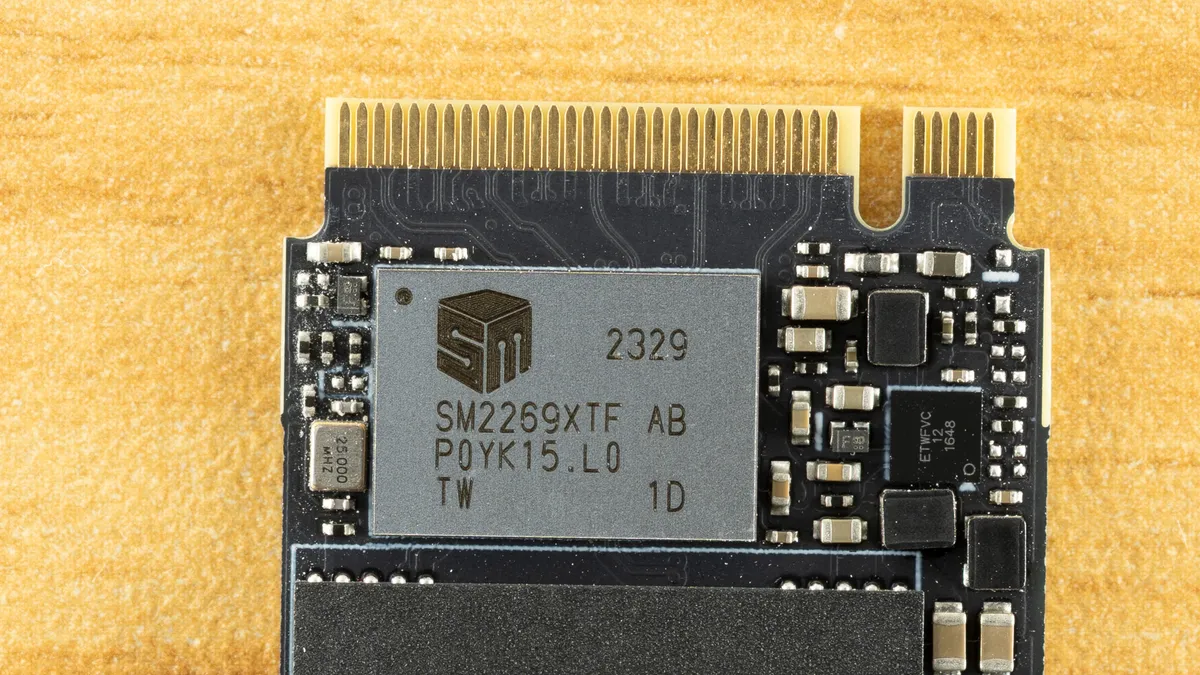
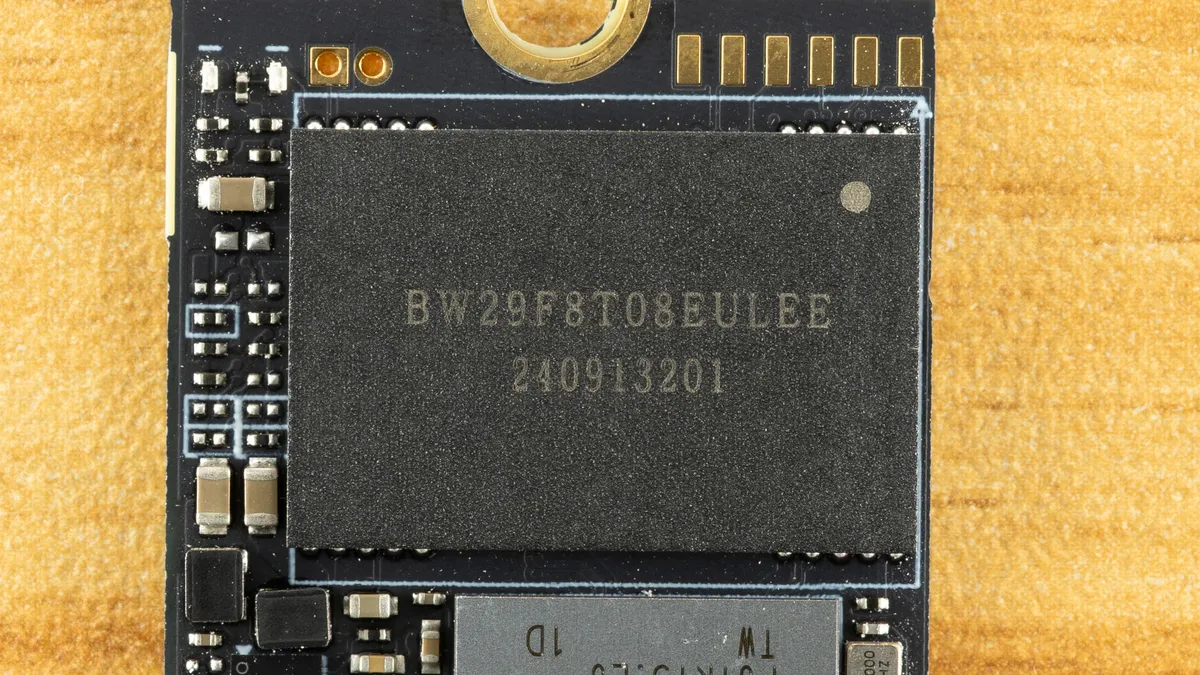


Underneath the green label is the DRAM-less Silicon Motion SM2269XT SSD controller and a single NAND flash package. No DRAM, but we do see the power management circuitry. The controller is an older, entry-level Gen 4 part that competes primarily with the Phison E21T and InnoGrit IG5220. We’ll discount options from Realtek and TenaFe as they are still less common. These controllers were great in their heyday, offering incredible performance and power efficiency for a budget drive at the time. Now, the technology is aged, but the rising price of hardware has seen its return.
This is all perfectly fine if the flash plays along. Luckily, the MA200 has Micron’s 176-Layer TLC, which, although now on the older side, is quite good flash. It’s more than enough for a drive in this form factor. While it’s nice to reach higher speeds than this – say, 7 GB/s rather than “just” 5 GB/s – the fact is you rarely need that level of performance in a system that takes M.2 2230 SSDs. Power efficiency and latency are more important benchmarks than bandwidth, in our opinion.
MORE: Best SSDs
MORE: Best External SSDs
MORE: Best SSD for the Steam Deck