









Microsoft blocks registry trick that unlocked performance-boosting native NVMe driver on Windows 11 — workarounds still exist to enable support, however
A ViVeTool workaround still works for now.
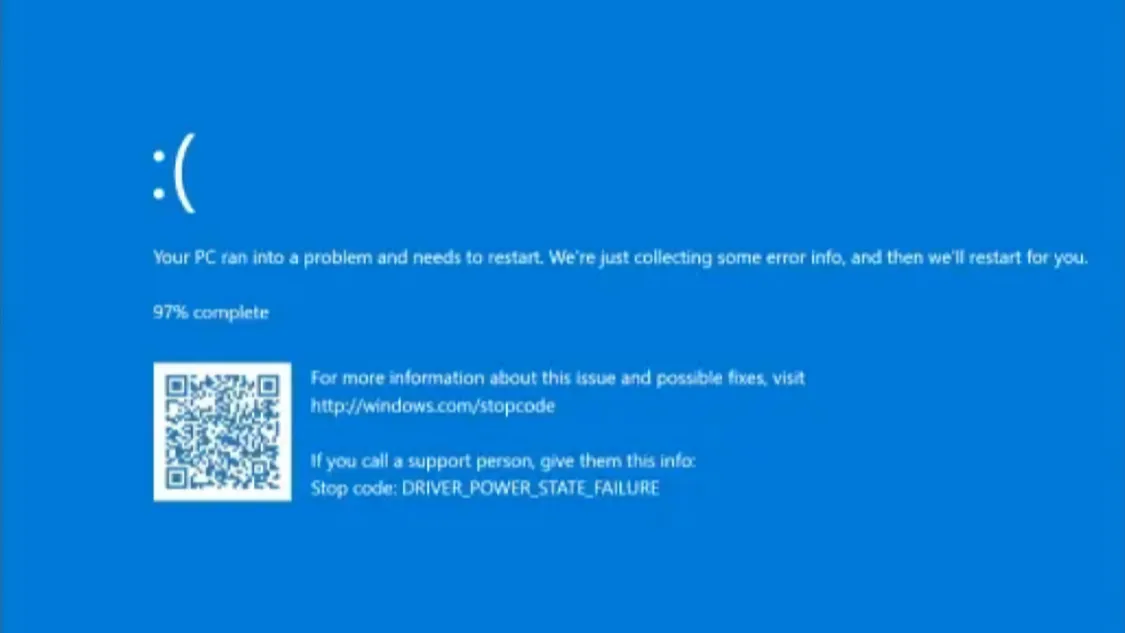
Microsoft has blocked the registry trick that allowed Windows 11 users to enable native NVMe support on their PCs, according to members of the My Digital Life forum, who first noticed the change in recent Windows 11 Insider builds.
The trick, which ported a Windows Server 2025 feature to consumer PCs running Windows 11 24H2 and 25H2, had delivered up to 85% higher random write performance in earlier benchmarks. Unfortunately, the four FeatureManagement registry overrides that previously activated the native NVMe stack no longer function.
The native NVMe driver (nvmedisk.sys) replaces the legacy storage path that has routed NVMe commands through a SCSI translation layer since before NVMe SSDs existed. Microsoft originally shipped the driver in Windows Server 2025 last December, claiming up to 80% higher IOPS and 45% lower CPU utilization under high I/O loads. The driver binary was already present in Windows 11 but disabled by default.
Within days of the Server 2025 announcement, enthusiasts discovered that toggling specific registry keys forced Windows 11 to load the native driver. Benchmarks varied by drive and CPU, but gains in random I/O were consistent. AS SSD testing by Neowin also showed substantial write speed improvements, and StorageReview's server-side FIO benchmarks measured up to 64.89% faster 4K random reads.
The registry trick came with caveats, though. Third-party SSD management tools like Samsung Magician and Western Digital Dashboard were not compatible with the new driver, and BitLocker could trigger recovery prompts after the driver swap.
While the registry method is dead, users can still enable native NVMe through ViVeTool, according to Deskmodder, a third-party utility that toggles hidden Windows features. The relevant feature IDs are 60786016 and 48433719. This does require an elevated command prompt, and a reboot is still necessary for the change to take effect. The same compatibility risks naturally apply, and users running BitLocker should suspend protection before attempting the change.
It’s not yet known when native NVMe support will be rolled out to Windows 11 25H2 and 26H2 users.
Get Tom's Hardware's best news and in-depth reviews, straight to your inbox.

Follow Tom's Hardware on Google News, or add us as a preferred source, to get our latest news, analysis, & reviews in your feeds.

Luke James is a freelance writer and journalist. Although his background is in legal, he has a personal interest in all things tech, especially hardware and microelectronics, and anything regulatory.
-
ceetee I just reinstalled on my nvme SSD and switched this on... Speed improvement is massive. Wonder why they're reversing it....Reply -
Gururu I debated using the hack but decided to wait to see if they put something official out for consumers. Probably something not working so well or the hack going to thrash some new update with a consumer version.Reply -
Paradoxides I've given up complaining about Microsoft making Windows worse, so that they can charge you to fix it.Reply
Giving up is called, running Linux desktops/laptops/servers for everything that I actually care about doing with the least pain involved.
I suppose I'll run a single Windows VM in future for doing my taxes, when I finally get rid of my last dual boot laptop from 2015ish.
Tax software being the only type of program I still hate enough not to want to invest time in my life finding a better solution and don't feel worse about running on Windows. -
DarkestDot Microslop winblows is intended for enterprise use at this point. Go to Linux and stop having a company enshitify your equipment.Reply -
chaos215bar2 Reply
🤣 It's the 90s again!DarkestDot said:Microslop winblows is intended for enterprise use at this point. Go to Linux and stop having a company enshitify your equipment. -
TheyStoppedit Why would they do this? Why is Native NVME not enabled by default on Windows 11? I dont get it......??Reply -
Varsaggo Reply
Because it hasn't been tested and proven ready for user release. Microsoft has very strict protocols for what goes out in public releases and having this workaround in the wild on consumer products without vetting is something they do not allow nor would most companies... This will be something most likely they have plans to implement further down the line for the consumers on the non cooperate versions of the software.....TheyStoppedit said:Why would they do this? Why is Native NVME not enabled by default on Windows 11? I dont get it......??