




Microsoft extends free Windows 10 security updates for a second year — program now ends on October 12, 2027
Just as the memory shortage pushes PC prices even higher.
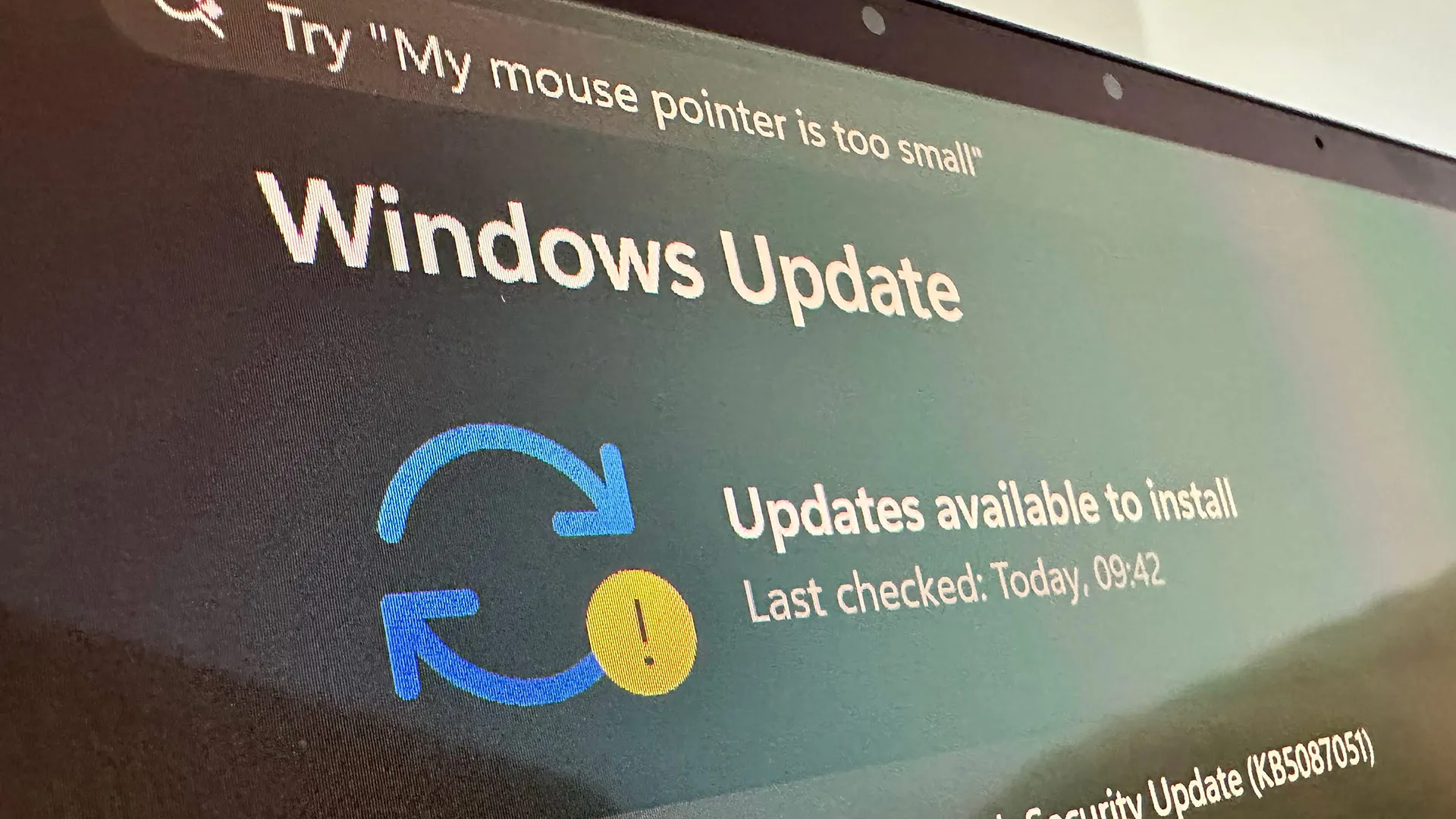
Microsoft has extended its free consumer Windows 10 Extended Security Updates (ESU) program by a year, pushing the cutoff for critical security patches to October 14th, 2027. The change came without any actual announcement, appearing instead in an edit to Microsoft's Windows 10 ESU support page. Devices already enrolled roll over to the new date automatically, with no action required from users. The program was originally set to expire on October 12th, 2026, one year after Windows 10 reached end of support on October 14th, 2025. With the extension, however, users who can’t or won’t move to Windows 11 now have a second free year of patches.
Speaking to BleepingComputer, Microsoft said that the change reflects “our ongoing commitment to helping customers stay secure during the transition,” adding that the extra year gives users “more time and flexibility to find the best PC for their needs while keeping them protected.”
In terms of enrollment, nothing has changed: users can enroll for free by syncing their PC settings to a Microsoft account through Windows Backup, by redeeming 1,000 Microsoft Rewards points, or with a one-time payment of $30. Users in Europe can enroll at no cost simply by signing in with a Microsoft account, a concession Microsoft made after pushback from consumer advocacy groups over its original requirements. A single ESU license covers up to 10 devices tied to the same account.
Microsoft's consumer program is limited to personal devices, however. Systems joined to an Active Directory domain or to Microsoft Entra, or managed through Mobile Device Management, are corporate-controlled and therefore not eligible. Personally owned machines that are only Entra-registered — e.g., a work account added to a personal device, rather than the device itself being organization-owned — still qualify.
Windows 11 has surged to roughly 73% of desktop share against Windows 10’s 26%, so it’s clear that the broader migration is working. Those users still on Windows 10 are increasingly the difficult edge cases, with around 400 million active PCs unable to officially upgrade to Windows 11 because their hardware fails its TPM 2.0, Secure Boot, or supported-processor requirements.
Users of those machines face a choice of remaining on unsupported Windows 10 or upgrading their hardware outright. But thanks to the AI-driven memory shortage, doing so has never been more expensive: DRAM contract prices have roughly doubled since early last year (and are expected to double again) as Samsung, SK Hynix, and Micron divert wafer capacity toward high-bandwidth memory for AI accelerators.
IDC expects PCs, tablets, and smartphone prices to rise 10% to 20% through the end of 2026, with memory now accounting for a far larger share of a system's bill of materials than it did two years ago.
Get Tom's Hardware's best news and in-depth reviews, straight to your inbox.
For users unwilling to buy new hardware at current prices, some third-party options remain. The security firm 0patch has pledged to provide unofficial Windows 10 micropatches through 2030, and Linux migration efforts such as the End of 10 initiative continue to court holdouts whose machines can’t run Windows 11.

Follow Tom's Hardware on Google News, or add us as a preferred source, to get our latest news, analysis, & reviews in your feeds.

Luke James is a freelance writer and journalist. Although his background is in legal, he has a personal interest in all things tech, especially hardware and microelectronics, and anything regulatory.
-
ezst036 Now with the RAMmageddon those people literally cannot afford to upgrade to Windows 11 due to its massively steep system requirements in order to just keep the OS and its spyware running.Reply
There is a lot of money to be saved by regular folks by switching to Linux. -
USAFRet Reply
Regarding RAM, I have seen exactly zero difference going from Win 10 to Win 11.ezst036 said:Now with the RAMmageddon those people literally cannot afford to upgrade to Windows 11 due to its massively steep system requirements in order to just keep the OS and its spyware running.
There is a lot of money to be saved by regular folks by switching to Linux.
In the same system.
Having a system that is not natively Win 11 capable means it is a decade or more old.
It likely needs upgrading for other issues as well.
While Linux may be a good idea, lets keep the hyperbole in check. OK? -
usertests Reply
I've run them both and don't see a significant difference in RAM consumption for low impact stuff like browsing the web. I think Windows 11 may be caching less aggressively too, but it's not something I've measured.ezst036 said:Now with the RAMmageddon those people literally cannot afford to upgrade to Windows 11 due to its massively steep system requirements in order to just keep the OS and its spyware running.
There is a lot of money to be saved by regular folks by switching to Linux.
I clubbed a baby seal with AI and it says:
Windows 10 uses approximately 2.5 GB of RAM at idle, while Windows 11 uses approximately 3.3 GB on identical hardware.
Comparison: Windows 11 consumes roughly 800 MB to 1 GB more RAM than Windows 10 when no applications are running.
Context: This higher baseline usage in Windows 11 is due to additional background services, visual effects, and preloading features (such as SysMain/Superfetch) designed to cache frequently used data for faster performance.
Normal Range: Idle memory usage between 20% and 40% on 16 GB systems is considered normal, as Windows utilizes available memory to speed up application loading times.
I've had other problems with Windows 11, including an insane latency/sound issue on an older PC that disappeared when I switched it to Windows 10.
The correct way to run Windows 11 (other than not doing it) is probably Windows 11 IoT Enterprise LTSC, which I haven't tried yet. I might test that if I pick up another extremely cheap computer. -
ezst036 Reply
The use of the word hyperbole is has no foundation.USAFRet said:While Linux may be a good idea, lets keep the hyperbole in check. OK?
First, for computers that aren't upgradable, then It's either Windows 10 Y.O.L.O. edition once this second year expires or its Linux.
Second, one could make hardware purchases. This is where not only does Linux become a money negator but it smashes your use of the word hyperbole to bits.
There are many hardware purchases a person could choose - a Mac, a Google/Android, a whole new standard computer altogether, or of course some sort of hardware upgrades usually the most likely culprit is RAM.
For someone staring down at a RAM upgrade, since Linux uses less RAM the fact is at a minimum Linux can save a person a couple hundred dollars by making the necessary RAM upgrade no longer necessary. You may not like it, but it's the fact. It does not go away. If you got 8 or 16GB, just don't buy anything at all. Zero dollars. There's your savings and I proved it, that's not hyperbole.
For someone staring down at a computer too old to upgrade, Linux again refreshes whole computers. The fact is then, here, that Linux could save a person a thousand dollars or more depending on the computer a person is eyeing. Again, you may not like it, but it's the fact. It does not go away.
None of this is hyperbolic, none of it. This is reality, this is fact. It's tangible and people's wallets will be thankful for it.
USAFRet said:Regarding RAM, I have seen exactly zero difference going from Win 10 to Win 11.
In the same system.
Having a system that is not natively Win 11 capable means it is a decade or more old.
It likely needs upgrading for other issues as well.
Look, actual tests have been done on this. Fresh installs of Windows 11 are heavier than fresh Windows 10. You are a moderator-level user here at the Tom's Hardware forum, so obviously you've put massive time and effort into tweaking your system.
I'll buy it every day of the week that a tweaked W11 system can be lighter than a standard install W10. That comes off as a bait and switch though.
And let's also just ask Microsoft. K.I.S.S. keep it simple silly. Microsoft says W11's system base requirements are 16GB, 32GB preferred. W10 is not this steep per Microsoft's own website.
If there is anywhere I missed or misunderstood, please clarify. Thank you. -
USAFRet Reply
Actually, no.ezst036 said:You are a moderator-level user here at the Tom's Hardware forum, so obviously you've put massive time and effort into tweaking your system.
My spouses system...i3-8100, 8GB RAM.
Upgraded from Win 10 to Win 11.
Light but constant use.
No visible difference. -
usertests Reply
You can use workarounds to get Windows 11 running on ancient "unsupported" hardware, like Haswell.ezst036 said:First, for computers that aren't upgradable, then It's either Windows 10 Y.O.L.O. edition once this second year expires or its Linux.
You can go as old as Nehalem (2008), but not anything older, because of Windows 11 24H2's use of the POPCNT instruction introduced in SSE4.2. I think most people should not be running a CPU older than Skylake (DDR4) or Haswell (DDR3). You can probably find a suitable system for $30-80 on the used market.
You might have problems from using an unsupported CPU. At a minimum you would probably have to reinstall for a major service pack, but maybe weekly updates don't work either. I don't know.
You should be able to use Microsoft Activation Scripts to receive Win10 updates until Oct 2028 (standard), or Jan 2032 (IoT Enterprise). -
USAFRet Reply
A Win 10 install gets Defender and Security updates, with NO special workaround, to this day.usertests said:You should be able to use Microsoft Activation Scripts to receive Win10 updates until Oct 2028 (standard), or Jan 2032 (IoT Enterprise).
Even an Unactivated Win 10 install.